20 Simple jQuery Tricks
jQuery has quickly made it’s way into nearly every web developer’s bag of tricks. The simplicity with which jQuery allows us to handle complicated events and perform smooth animations makes it the perfect tool for both beginners and experienced developers to add professional flair to their sites.
Here are 20 simple jQuery tricks to get you on your way to JavaScript bliss. The keyword here is “simple” so even if you’ve never used jQuery before, this is the perfect place to start!
Beginner Tutorials
Just to get you started off right, here are the beginner tutorials straight from jQuery.com.

#1 – jQuery Rounded Corners
A short post from “15 Days of jQuery” on using the wrap, prepend, and append functions to create a rounded corner effect.

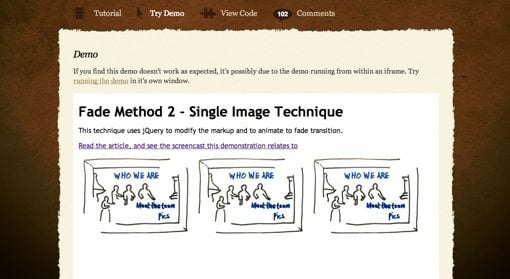
#2 – Image Cross Fade Transition
3 Simple methods of cross fading one image into another using jQuery and CSS.
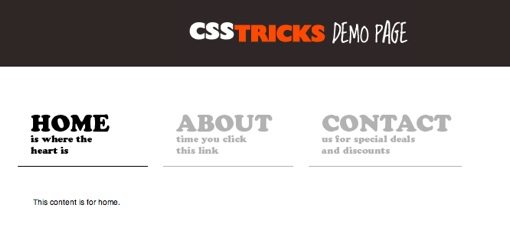
#3 – Fading Menu – Replacing Content
Chris Coyier provides some of the best free content out there for learning web design. Here’s one of many jQuery tutorials on his site.
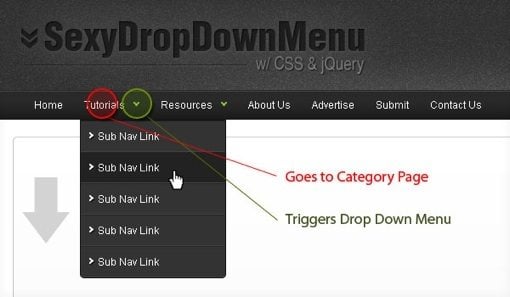
#4 – Sexy Drop Down Menu w/ jQuery & CSS
Learn to create a slick, animated UI for your site with this step by step tutorial.
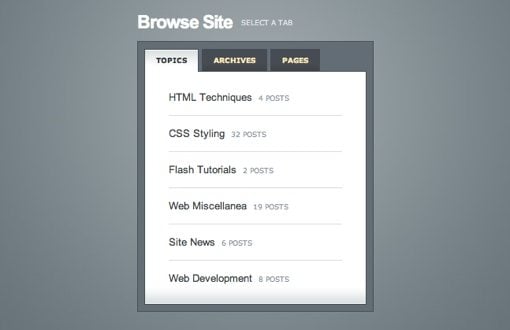
#5 – Tabbed Content Area using CSS & jQuery
An oldie but goodie, this was one of the first tutorials ever posted on NetTuts. This is where I first learned about jQuery!
#6 – jQuery Twitter Ticker
Learn how to use both the Twitter API and jQuery to create a great looking Twitter ticker.

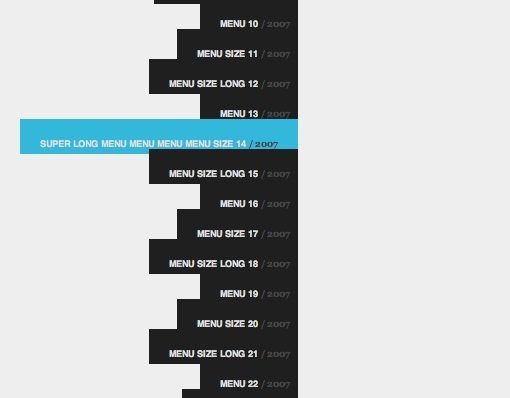
#7 – Vertically Scrolling Menu
This article shows you how to create a really smooth, vertically scrolling menu. A great tutorial despite the fact that the author seemed to think it was a horizontally scrolling menu!
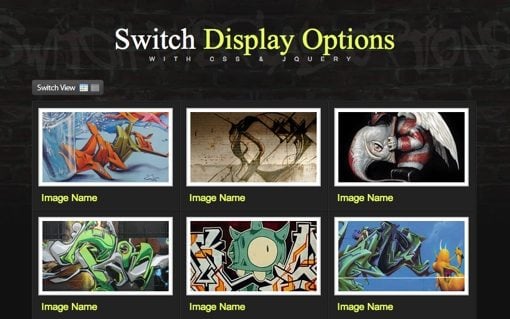
#8 – Easy Display Switch with CSS and jQuery
Mimic Abduzeedo’s new site and to create a switch for changing your content from list view to grid view.
#9 – Simple Toggle with CSS & jQuery
A great beginner’s tutorial describing how to use the toggle feature.

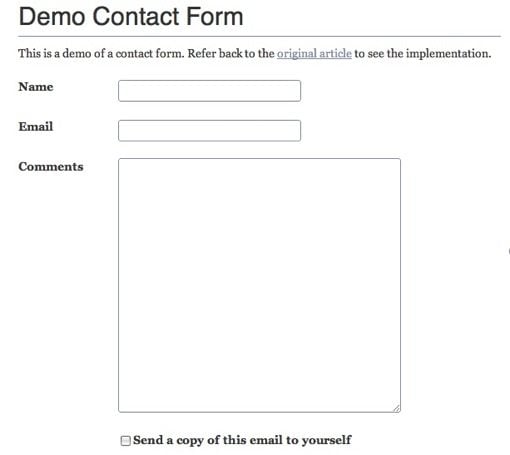
#10 – WordPress & jQuery Contact Form without a Plugin
A well written, in-depth look at creating a WordPress form without the need of an additional plugin.
#11 – jQuery Sequential List
Use jQuery to take the monotony out of coding sequential items.

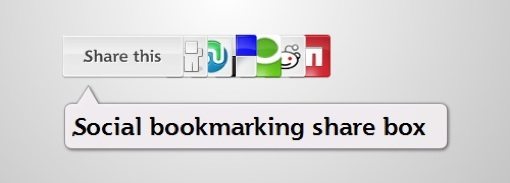
#12 – Create a Fancy Share Box
Having social media share links on your site has quickly become a standard for most blogs. Use this tutorial to make yours standout.
#13 – Create a Slick and Accessible Slideshow Using jQuery
Use this stunning content slider to put a ton of content in a small space.

#14 – Using jQuery for Background Image Animations
Create eye-catching background animations with only a few lines of code.
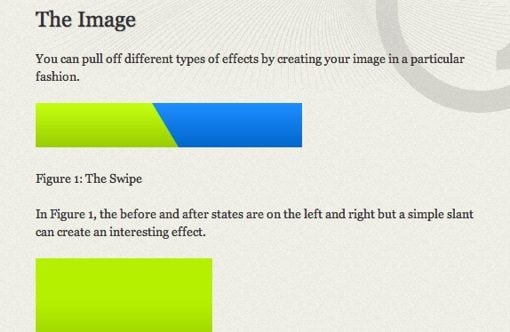
#15 – Animated Menus Using jQuery
Similar in concept to #14 but with a subtler, more sophisticated effect.

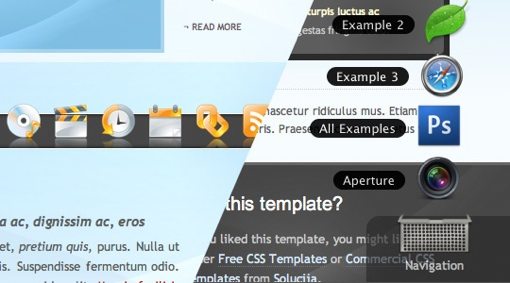
#16 – “Outside the Box” Navigation with jQuery
An amazing technique for creating website navigation that mimics the OS X dock.
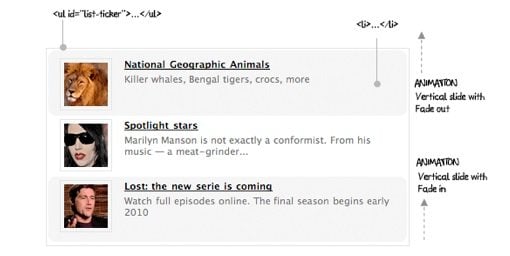
#17 – How to implement a news ticker with jQuery and ten lines of code
A quick and easy news ticker from Antonio Lupetti.
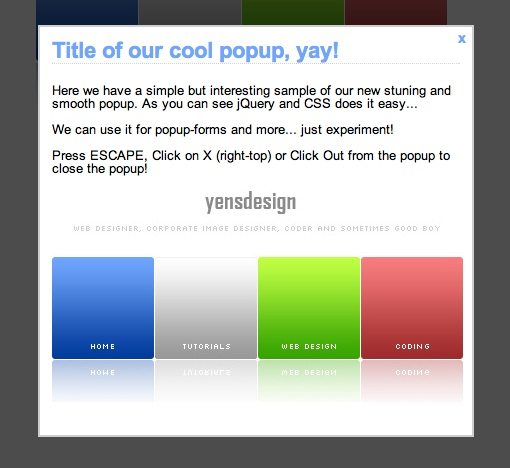
#18 – Create a Stunning Popup with jQuery
This tutorial shows you how to create a popup window and fade out the background.
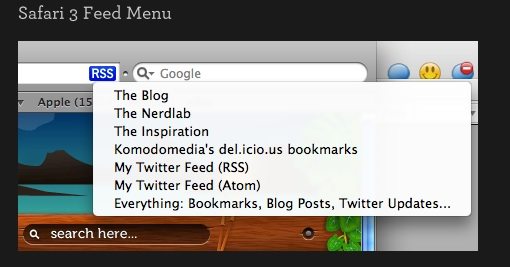
#19 – jQUery Feed Menus
Learn to create simple and effective RSS feed menus like those in Safari.
#20 – Create a Funky Parallax Background Effect
This tutorials walks you through creating an incredibly unique sliding 3D background effect.

That’s All Folks
That concludes our roundup of simple jQuery tricks. Now go and use these techniques to create some amazing effects on your site. Leave a comment using the field below to share your favorite jQuery tricks and tutorials.